The clock-in checklist nobody sends you
Every system demos well. These are the questions that decide whether it still fits in month three — written for nurseries, charities, faith organisations and small teams.
1. Multiply the per-user price by real headcount
Per-user pricing looks harmless in a demo priced for five people. Small organisations rarely have five people — they have twelve part-timers, eight sessional staff and a rota of volunteers. At £3–£5 per user per month, a thirty-person organisation pays £1,000-plus a year before anyone taps anything, and adding a volunteer becomes a billing decision.
Ask for flat per-organisation pricing, or model your true headcount honestly before signing.
2. Treat biometrics and GPS as costs, not features
Fingerprint and face terminals put special category data on your books: under UK GDPR that means a data protection impact assessment, a defensible lawful basis, and staff questions you must be able to answer. GPS clock-in apps put employee tracking on your books instead — lighter legally, heavier for morale.
Neither is necessary for the actual requirement, which is proof of presence at a place of work. Systems that anchor the proof to the door — an NFC tap the phone can only make on the spot — record the same facts with none of the surveillance freight.
3. Check the timesheet actually reaches payroll. The test is simple: can the person who runs payroll get hours, lateness and leave-adjusted totals into their software without retyping? Ask to see the export, not the dashboard — a CSV or spreadsheet in decimal hours that Xero, Sage or BrightPay ingests directly.
4. Walk the everyday paths before the edge cases
Most evaluations obsess over unusual scenarios and never test Tuesday. Walk the boring paths: a new starter joins — how many minutes to a working login? Someone forgets to sign out — who notices, and how is it corrected with an audit trail rather than an edit nobody can explain? A teacher requests Friday off — does the timesheet already know once it’s approved?
5. Look at the week-two experience, not the demo. Any system looks fine on day one with three test users. The real question is whether staff still tap without being chased in week two — which mostly comes down to friction. If clocking in needs an app install, an account activation email and a password reset, adoption decays. If it is a tap on the way through the door, it holds.
Quick answers
What should a small UK organisation expect to pay?
Per-user products commonly land between £3 and £5 per person per month. Flat-price alternatives cover a whole organisation from around £29 a month — usually the cheaper shape from roughly ten people upward, and always the simpler one to budget.
Do we need special hardware?
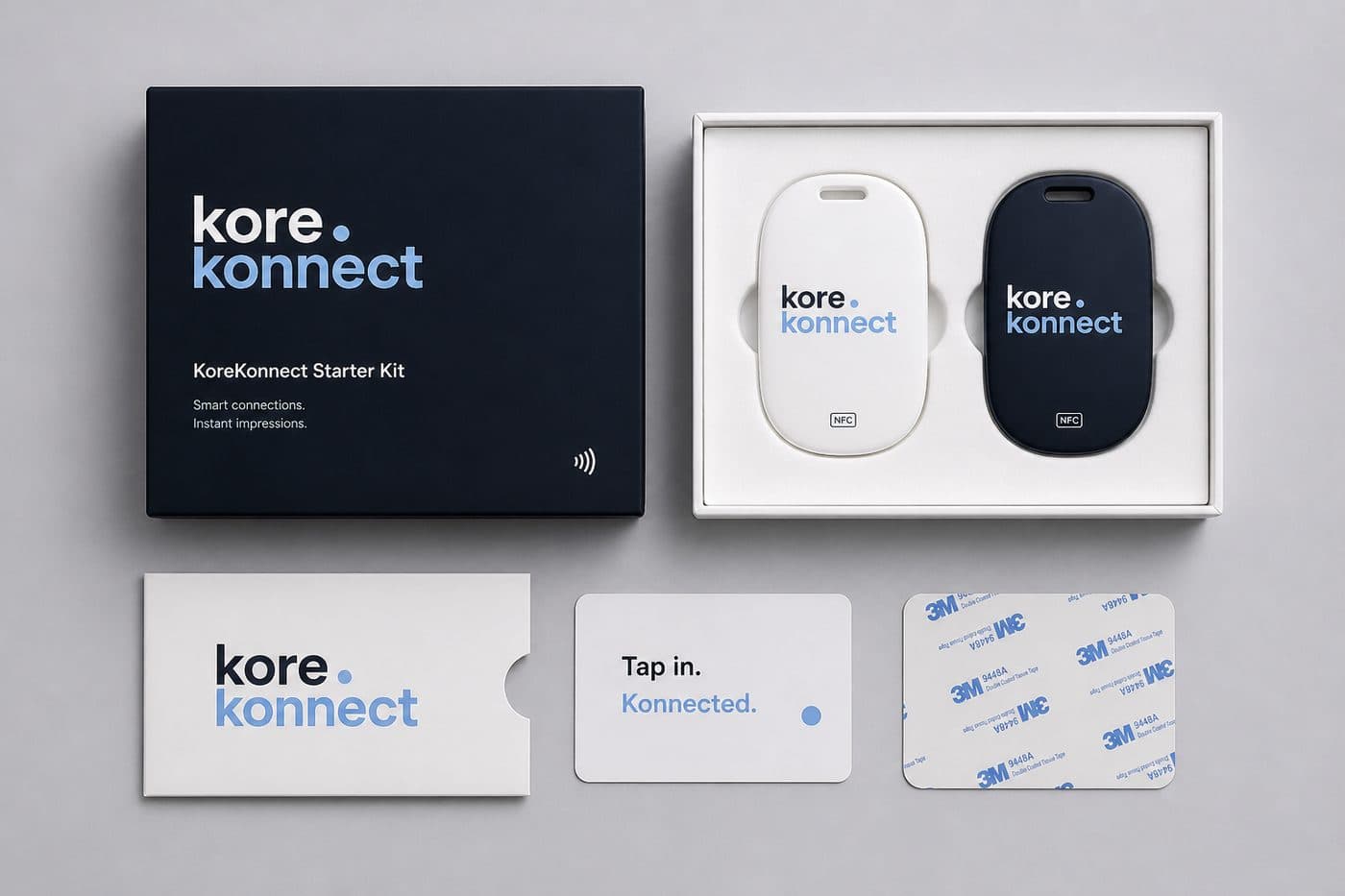
For tap-at-the-door NFC: one small reader per entrance, stuck to the wall — no wiring, no installer. Staff phones do the rest. Biometric terminals by contrast are wired, per-door capital items.
What about staff without smartphones?
Ask the vendor directly. In practice most staff have an NFC-capable phone; for the exceptions, look for manual entry by a manager with an approval trail, so the record stays complete.
Run the checklist against us
KoreKonnect is flat-priced, biometric-free and GPS-free by design. Judge it against everything above in the live demo.
Try the live demo